
Categories
Category:
FAQ
Planning By Design Client Portal: How to Access Your Account
A simple guide on how to access your Planning By Design Client Portal.
The Planning By Design Client Portal is your personal project hub, giving you full visibility over your planning application from start to finish.
You can track progress, view documents, see next steps, and access support, including 24/7 support via Aisa, our AI planning assistant, all in one place.
If you’d like to explore all features and benefits of the portal, read our full guide here: View full Client Portal overview.
How to Access the Planning By Design Client Portal
Follow the steps below to access your portal for the first time.
Step 1: Access the Portal
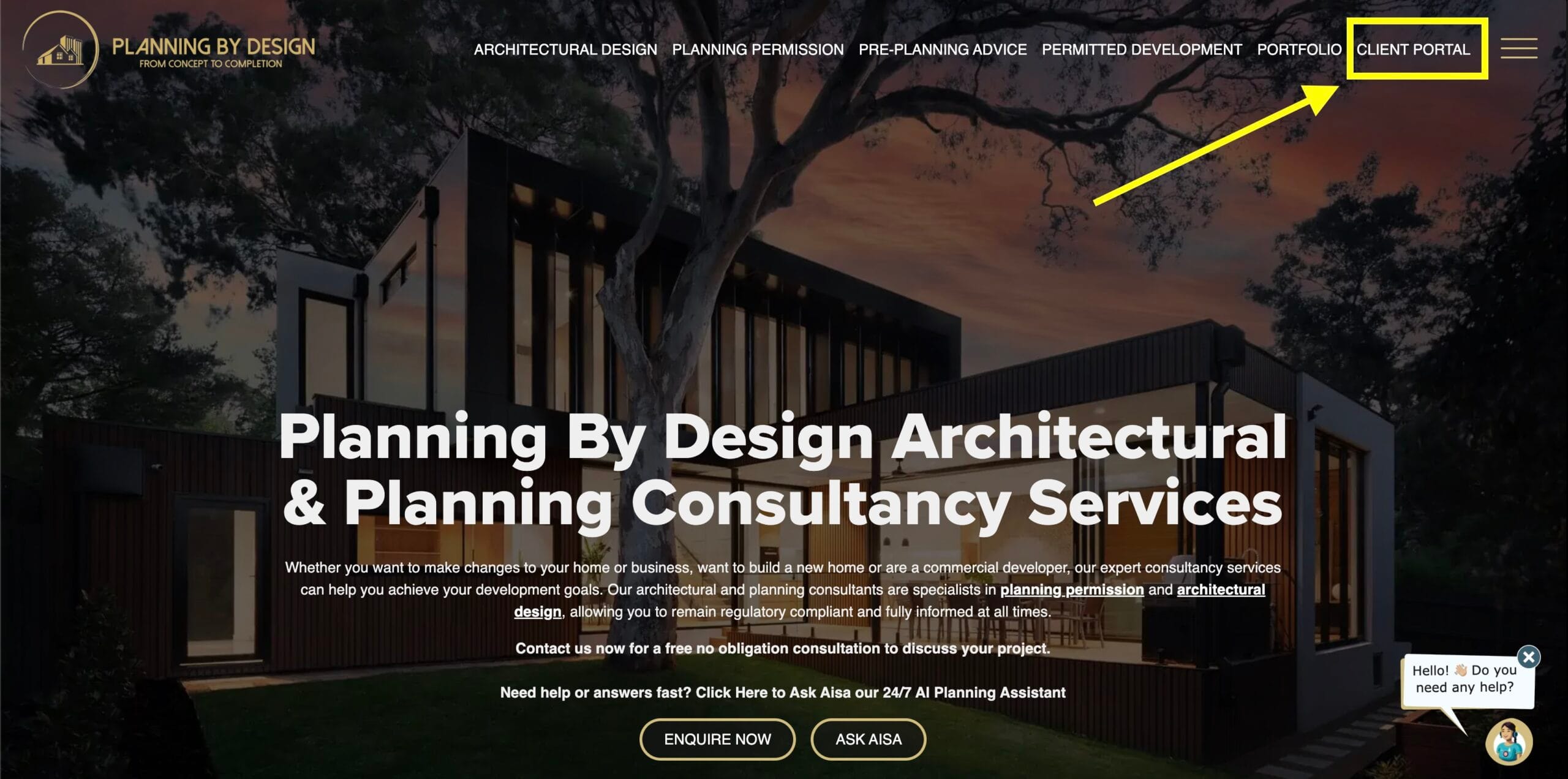
You can access the Client Portal either via the Planning By Design website or directly using the link below:
https://portal.planning-by-design.co.uk/
This is the login screen where you’ll enter your email address.
Step 2: Enter Your Primary Email Address
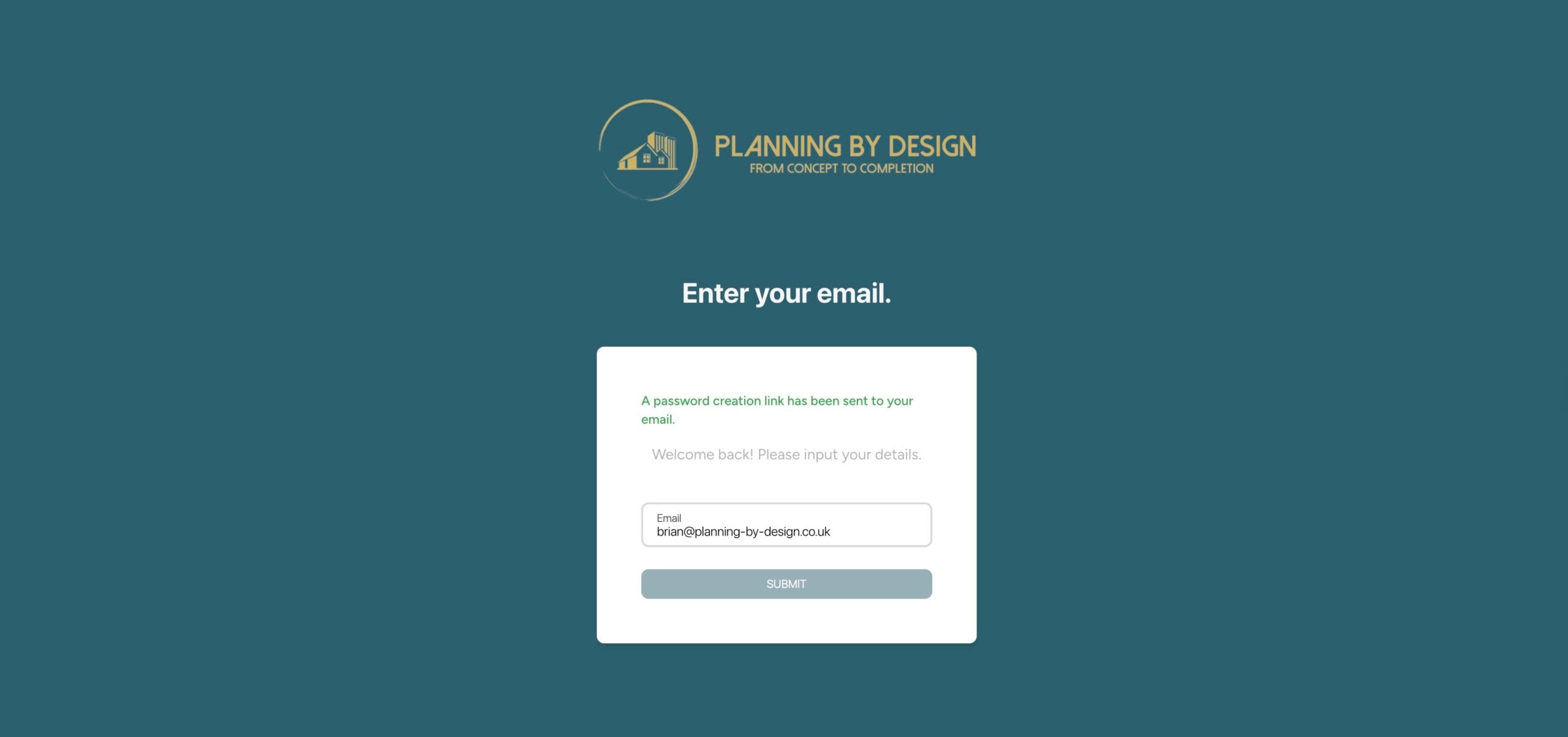
Enter your primary email address, the one we use for your project.
Please note: each account is linked to one email address, but returning clients may have multiple projects linked to the same account.
Once entered, click Submit.
You’ll then see a confirmation message that a password creation link has been sent to your email.
Step 3: Open the Email and Click Create Password
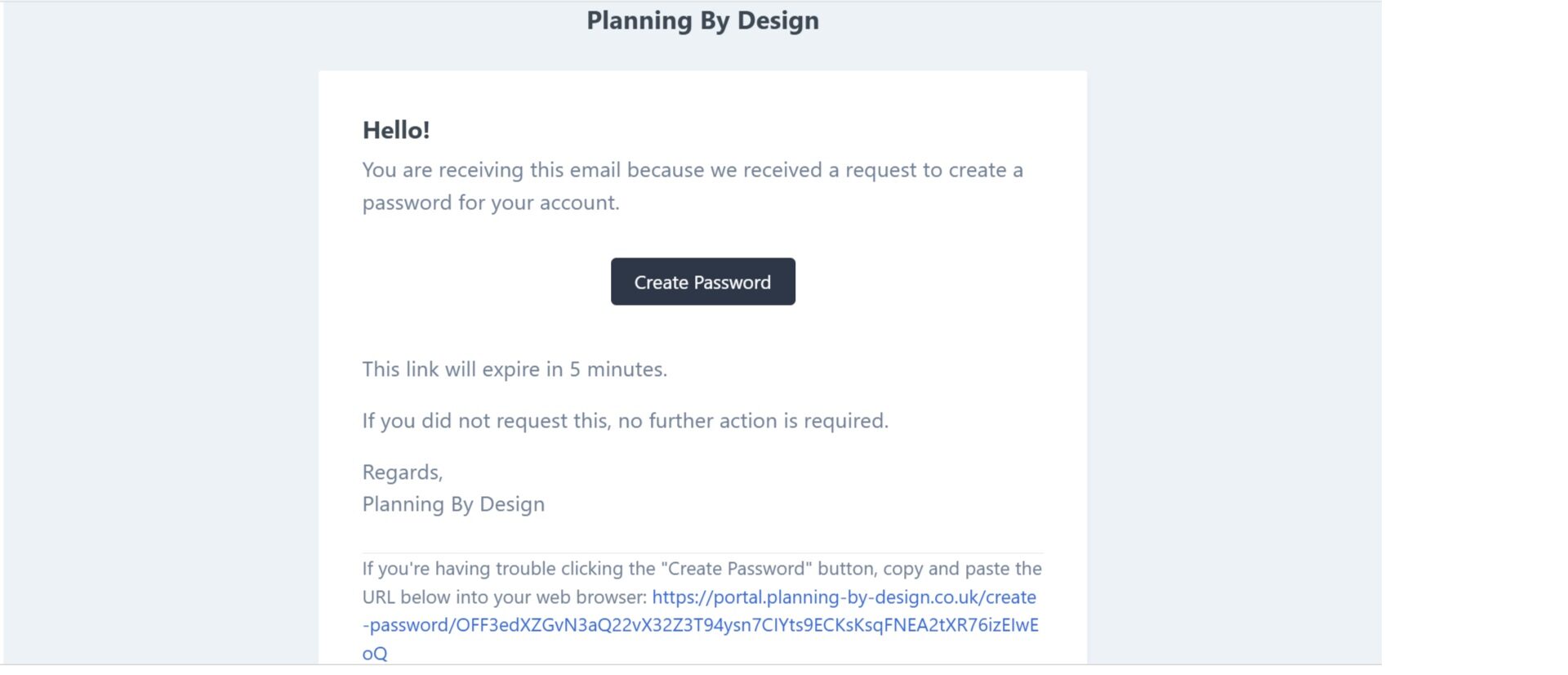
Check your inbox for an email titled “Password Creation Notification”.
Open the email and click the Create Password button.
Important: This link expires after 5 minutes, so please complete this step promptly.
Step 4: Set Your Password
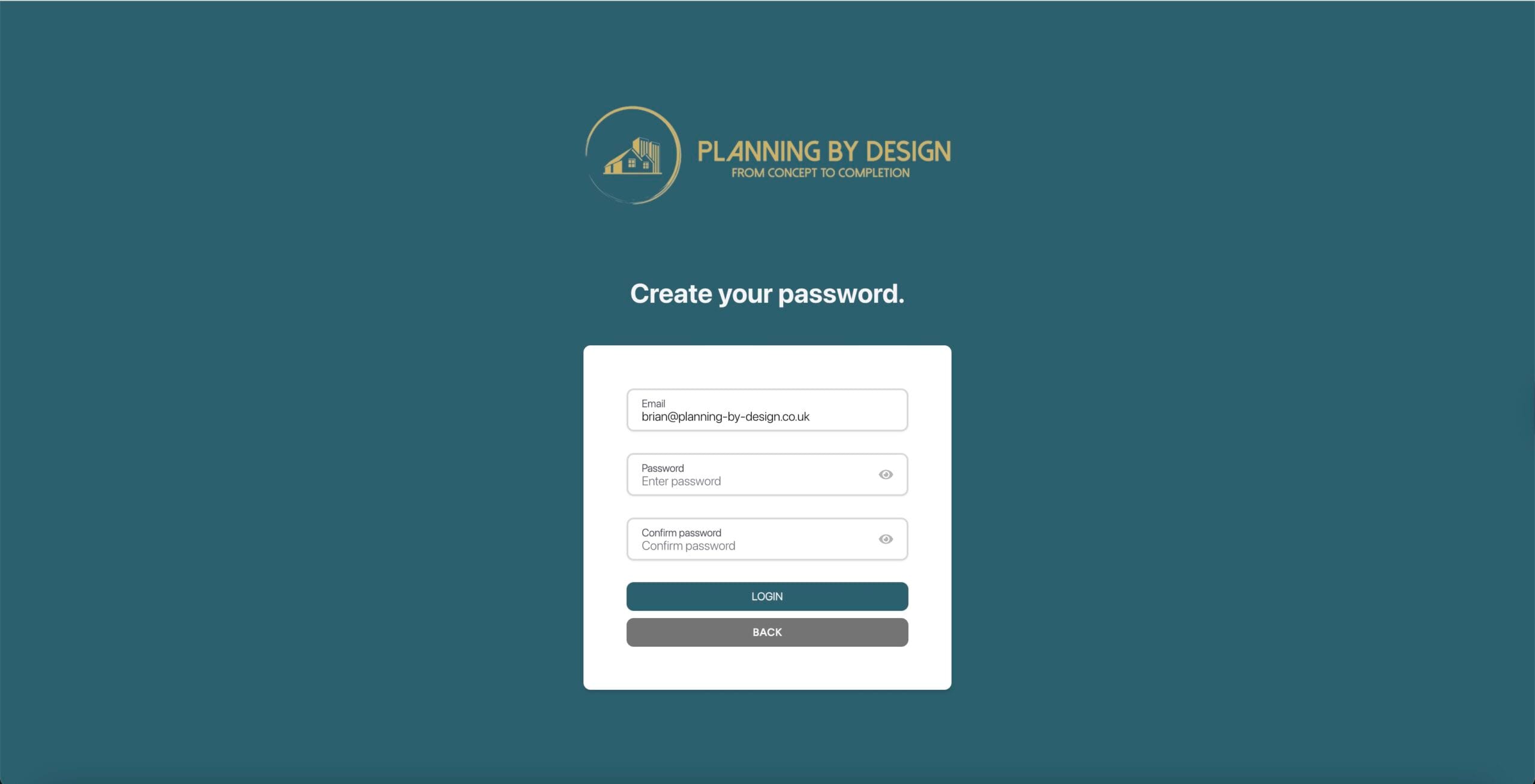
Create your password and confirm it.
Make sure both password fields match exactly.
Step 5: Log In
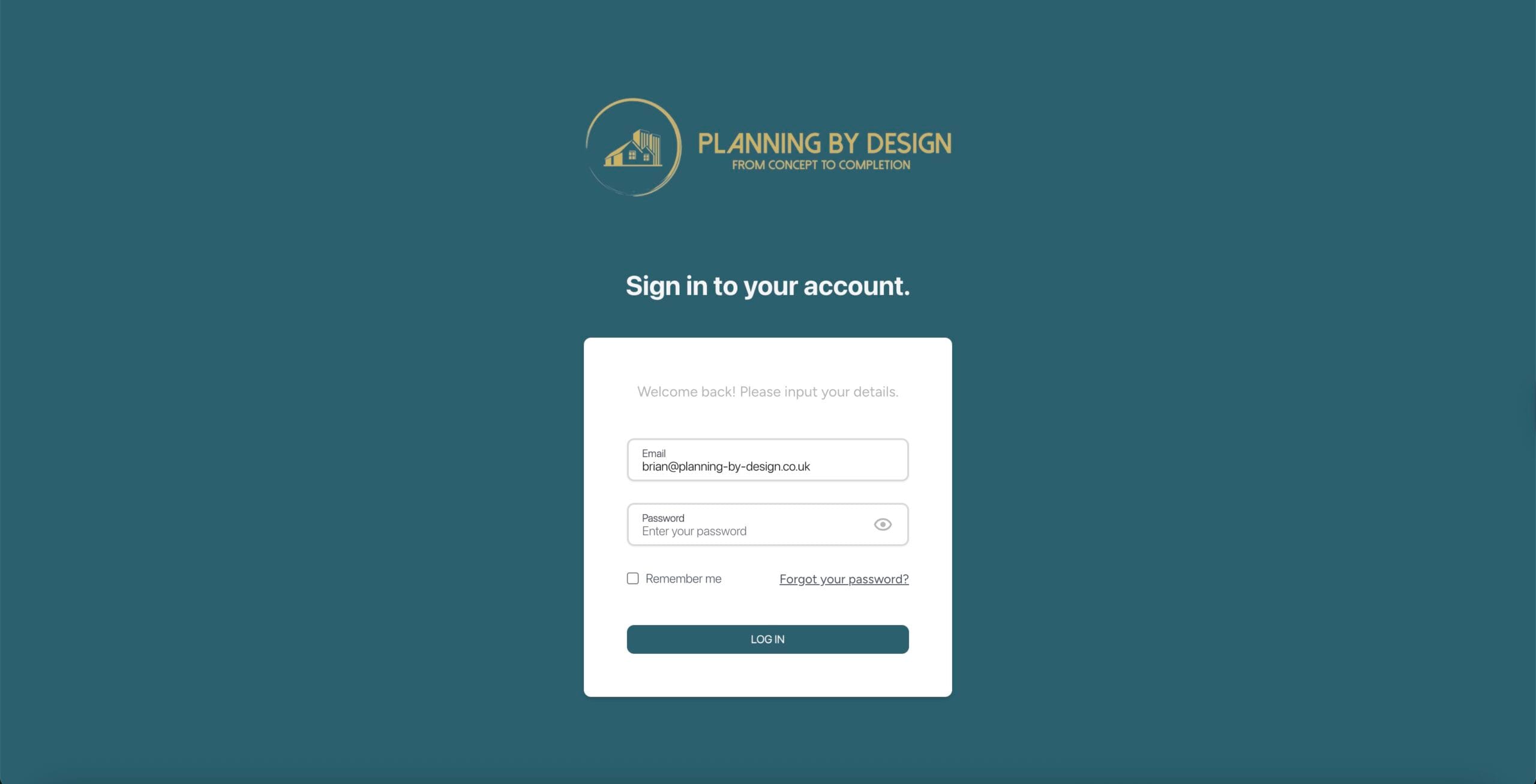
Return to the portal and log in using your email address and the password you just created.
You’ll then have full access to your project dashboard, where you can track progress, access documents, and get help from Aisa at any time.
Didn’t receive the email?
- Check your junk/spam folder
- If it’s not there, contact us and we’ll help you quickly
Access your portal anytime:
https://portal.planning-by-design.co.uk/

A serial entrepreneur with background in sales and marketing, Grant is the founder and managing director. He founded Planning By Design to provide clients with the highest possible level of service at unbeatable prices.
Need Planning Advice? Get a Free Consultation.
Contact UsGet a Free Instant Estimate!
Cost Calculator


